
Cart 0

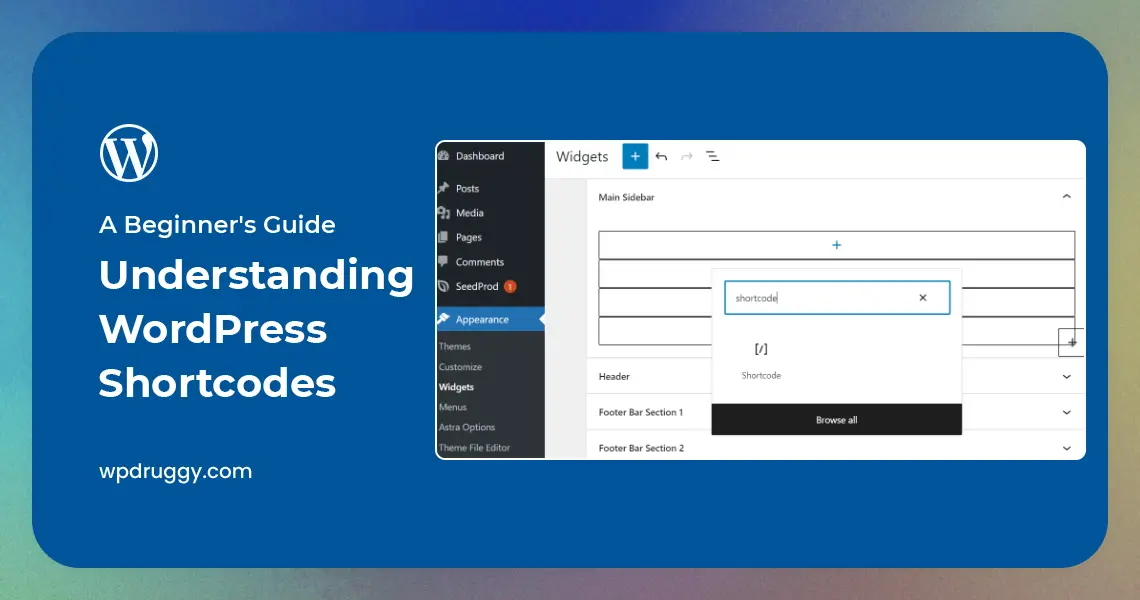

Introduction
In the vast ecosystem of WordPress, shortcodes are powerful tools that allow users to add dynamic content and functionality to their websites without writing complex code. If you’re new to WordPress or have heard about shortcodes but are unsure of what they are and how to use them, you’ve come to the right place. This beginner’s guide aims to demystify WordPress shortcodes, explaining their purpose, benefits, and how to implement them effectively. Let’s delve into the world of WordPress shortcodes and unlock their potential for your website.
1. What are Shortcodes?
At its core, a shortcode is a small piece of code enclosed within square brackets [ ]. In WordPress, this code serves as a placeholder that triggers the display of specific dynamic content or functionality when a post, page, or widget containing the shortcode is rendered on the front end of the website. Instead of manually coding the dynamic content, users can simply insert the shortcode, making it an incredibly user-friendly and time-saving feature.
1.1. The Anatomy of a Shortcode
A typical WordPress shortcode consists of two main parts:
The Opening Tag: This is the first part of the shortcode enclosed within square brackets. It indicates the beginning of the shortcode and often includes a name that identifies the functionality it represents.
The Closing Tag: This is the second part of the shortcode enclosed within square brackets, preceded by a forward slash (/). It marks the end of the shortcode.
For example, a simple shortcode for displaying a gallery of images might look like this:
1.2. Shortcode Attributes
Shortcodes can also accept attributes, which are additional parameters that modify the behavior or appearance of the shortcode. Attributes are added within the opening tag and are typically in a key-value pair format.
2. The Role of Shortcodes in WordPress
WordPress shortcodes play a crucial role in extending the core functionalities of the platform and enhancing the user experience. They allow plugin and theme developers to package complex functionalities into a single shortcode, simplifying the process for end-users. This modularity ensures that users can easily customize their websites and create unique layouts without the need for extensive coding knowledge.
2.1. Simplifying Content Management
Shortcodes are particularly beneficial when it comes to embedding multimedia content, such as videos, audio clips, and image galleries, into WordPress posts and pages. Instead of dealing with HTML tags and code snippets, users can use shortcodes to integrate multimedia elements seamlessly.
2.2. Dynamic Functionality
Shortcodes are instrumental in providing dynamic functionality to websites. For instance, a contact form plugin can generate a shortcode that displays a contact form on any desired page or post. Users only need to insert the shortcode to enable the form’s functionality instantly.
[contact_form]
2.3. Better Control and Customization
With shortcodes, website owners have greater control over the presentation of their content. They can decide where and how the dynamic content should appear, ensuring a consistent design and user experience throughout the site. Moreover, shortcode attributes allow for fine-tuning of various parameters, granting users the ability to customize the shortcode behavior according to their preferences.
3. Using Shortcodes in WordPress
Implementing shortcodes in WordPress is a straightforward process that involves using the WordPress editor or the template files of the theme. Here’s how you can use shortcodes:
3.1. In the WordPress Editor
To use a shortcode within the WordPress editor, follow these steps:
Open the WordPress editor when creating or editing a post or page.
Insert the shortcode within the content area at the desired location.
Customize the shortcode attributes, if applicable, to modify the output.
Save or update the post or page.
For example, to add a recent posts widget with a title and five posts displayed, you could use the following shortcode:
[recent_posts title=”Recent Posts” number=”5″]
3.2. In Theme Template Files
If you want to include shortcodes directly in your theme’s template files, you can do so using the `do_shortcode()` function. This allows you to add dynamic content and functionality to specific areas of your theme.
For instance, to display a specific shortcode within the header of your theme, you would use the following code:
<header>
<?php echo do_shortcode(‘[my_custom_shortcode]’); ?>
</header>
3.3. Custom Shortcodes
In addition to using existing shortcodes from plugins and themes, you can create your custom shortcodes to suit your unique needs. Creating a custom shortcode involves writing a function in your theme’s `functions.php` file or in a custom plugin.
Here’s an example of creating a custom shortcode to display a simple greeting message:
function custom_greeting_shortcode() {
return ‘Hello, Welcome to our Website!’;
}
add_shortcode(‘greeting’, ‘custom_greeting_shortcode’);
Now, you can use the [greeting] shortcode to display the greeting message on your website.
4. Popular Shortcode Plugins
While WordPress comes with some built-in shortcodes, the true potential of shortcodes is unlocked through various plugins. Here are some popular shortcode plugins that expand the capabilities of your WordPress site:
4.1. Shortcodes Ultimate
Shortcodes Ultimate is a comprehensive plugin that offers an extensive collection of shortcodes to enhance your site’s functionality and design. With over 50 customizable shortcodes, you can create tabs, buttons, sliders, accordions, and much more without any coding knowledge.
4.2. Contact Form 7
Contact Form 7 is a widely used plugin for adding customizable contact forms to your WordPress site. It provides a simple shortcode that allows you to insert contact forms easily into posts, pages, or widgets.
4.3. MetaSlider
MetaSlider is a powerful slider plugin that offers an intuitive shortcode for adding responsive sliders to your website. With multiple slider types and transition effects, you can create visually appealing slideshows effortlessly.
4.4. WooCommerce
For eCommerce websites, the WooCommerce plugin introduces its own set of shortcodes for displaying products, product categories, and add-to-cart buttons. These shortcodes are essential for creating a seamless shopping experience for your customers.
5. Tips for Using Shortcodes Effectively
To make the most out of WordPress shortcodes, consider the following tips:
5.1. Use Trusted Plugins
When using shortcode plugins, opt for reputable and regularly updated ones from reliable sources. This helps ensure compatibility with the latest versions of WordPress and reduces the risk of security vulnerabilities.
5.2. Test Responsiveness
Before finalizing your shortcodes, test them across various devices and screen sizes to ensure they appear as intended and offer a seamless user experience.
5.3. Document Your Shortcodes
If you create custom shortcodes, it’s essential to document their usage and attributes for future reference. This documentation can be handy when updating or maintaining your website.
5.4. Avoid Overusing Shortcodes
While shortcodes are useful, using them excessively can clutter your content and potentially slow down your website’s performance. Use shortcodes judiciously and only when necessary.
Read this: Top 10 WordPress Themes for 2023
Conclusion
In conclusion, WordPress shortcodes are an invaluable feature that empowers users to add dynamic content and functionality to their websites effortlessly. By using shortcodes, users can save time, customize their content, and enrich their visitors’ experience. Whether you’re a beginner or an experienced WordPress user, understanding and effectively using shortcodes will undoubtedly elevate the quality and functionality of your website. So, start exploring shortcodes, experiment with different plugins, and unlock the true potential of WordPress to create a captivating online presence. Happy coding!

