Cart 0

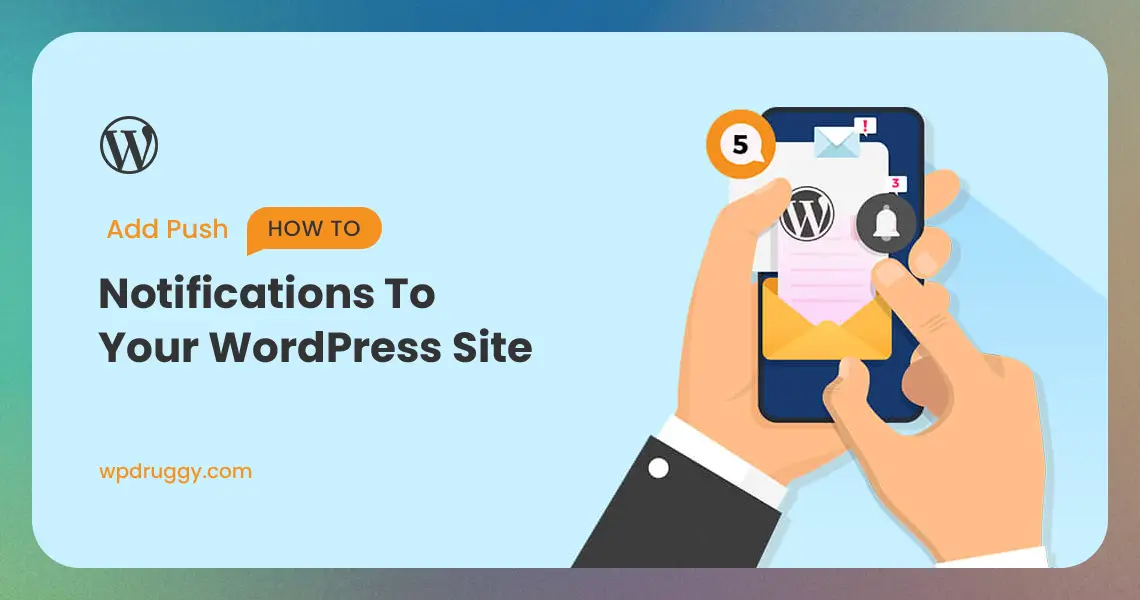

Push notifications are a powerful tool for engaging with your website visitors and keeping them informed about your latest content, promotions, and updates. These notifications allow you to send real-time alerts directly to your users’ devices, even when they are not actively browsing your website. By adding push notifications to your WordPress site, you can significantly improve user engagement, increase website traffic, and boost conversions. In this comprehensive guide, we will explore the benefits of push notifications, the different types available, and the step-by-step process of adding them to your WordPress site.
What Are Push Notifications?
Before we dive into the how-to part, let’s understand what push notifications are. Push notifications, like WordPress push notifications, are messages sent from a website to a user’s web browser or mobile device, even when they are not actively using the site. They pop up on the screen and grab your attention, making them a powerful tool for website owners to communicate with their audience.
The Advantages of Push Notifications
1. Instant Communication
Push notifications deliver information instantly to users’ devices, ensuring that they are promptly informed about important updates, news, or promotions.
2. Increased User Engagement
By sending personalized and relevant content through push notifications, you can encourage users to interact with your website more frequently and spend more time on it.
3. Abandoned Cart Recovery
Push notifications can be used to remind users of items left in their shopping carts, encouraging them to complete their purchases and reducing cart abandonment rates.
4. Traffic Generation
By alerting users about new blog posts, articles, or products, push notifications can drive traffic to your website and increase the visibility of your content.
Types of Push Notifications
1. Browser-Based Push Notifications
Browser-based push notifications are delivered directly to users’ devices through their web browsers, without the need for a dedicated mobile app.
2. Mobile App Push Notifications
Mobile app push notifications are sent to users who have installed your mobile app on their smartphones or tablets, offering a more personalized and direct communication channel.
3. Triggered Push Notifications
Triggered push notifications are automatically sent to users based on specific actions they take on your website, such as completing a purchase or signing up for a newsletter.
4. Scheduled Push Notifications
Scheduled push notifications allow you to set specific dates and times for sending alerts to your users, ensuring timely delivery of important announcements or promotions.
Adding Push Notifications to Your WordPress Site
Step 1: Choose a Push Notification Service
Select a reliable push notification service that integrates with WordPress. Some popular options include OneSignal, PushEngage, and PushCrew.
Step 2: Install and Set Up the Plugin
Install the push notification plugin of your chosen service and follow the setup wizard to connect your WordPress site to the push notification platform.
Step 3: Configuration
After the installation of the plugin, configuring it becomes necessary. Each plugin has its own settings, but the basic configuration steps involve:
1. Registration: Sign up for an account with the push notification service provider and get your API key.
2. Integration: Enter your API key in the plugin settings to integrate it with your WordPress site.
3. Customization: Customize the appearance of your push notifications to match your site’s branding.
Step 4: Customize Your Push Notifications
Customize the appearance and content of your push notifications. You can specify the title, message, image, and call-to-action buttons to make the notifications more engaging.
Step 5: Set Up Opt-In for Users
Configure opt-in settings to allow users to subscribe to push notifications. Offer an opt-in prompt or subscription box that asks users for permission to receive alerts.
Step 6: Create Segments and Targeting Rules
Segment your audience based on their behavior, interests, or location. This allows you to send targeted and personalized push notifications to different user groups.
Step 7: Implement Triggered Notifications
Set up triggered notifications based on user actions, such as abandoned carts, completed purchases, or form submissions. These automatic alerts help improve user engagement and retention.
Step 8: Schedule Notifications
Plan and schedule notifications for specific dates and times. This is particularly useful for time-sensitive promotions or announcements.
Step 9: Monitor Performance and Analytics
Regularly monitor the performance of your push notifications using the analytics provided by your push notification service. Analyze open rates, click-through rates, and conversion rates to optimize your notification strategy.
Step 10: Optimize for Mobile Devices
Ensure that your push notifications are optimized for mobile devices, as most users will receive notifications on their smartphones or tablets.
Step 11: Comply with Privacy Regulations
Respect user privacy and comply with relevant privacy regulations, such as GDPR, by obtaining proper consent for sending push notifications.
Step 12: Subscription Prompt
Your visitors need to subscribe to receive push notifications from your site. When they visit your site for the first time, a prompt will appear asking if they want to subscribe. This is where the magic happens. You need to make this prompt compelling.
Step 13: Send Notifications
With your push notification plugin set up and visitors subscribed, you’re ready to send notifications. You can do this for various events, such as publishing a new blog post, announcing a sale, or sharing important news.
Step 14: Test and Monitor
It’s important to test your notifications to ensure they work correctly and appear as intended. Also, monitor the performance of your notifications to see which ones are most effective and when they get the most engagement.
Why Use Push Notifications?
Push notifications are a great way to keep your audience engaged and informed about your site. They are quick, direct, and can lead to increased user engagement and traffic. However, it’s essential to use them wisely. Overdoing it can lead to annoyance and users unsubscribing.
Read this: Creating a WordPress Intranet for Your Organization
Conclusion
Adding push notifications to your WordPress site can be a game-changer for engaging with your audience and driving website traffic. By utilizing browser-based or mobile app push notifications, you can deliver timely and personalized content to your users, increasing their engagement and fostering a strong connection with your brand. Follow the step-by-step process outlined in this guide, and select a reliable push notification service that suits your needs. Remember to target your notifications effectively, analyze their performance regularly, and respect user privacy. With an effective push notification strategy, your WordPress site can become a hub of activity and keep your users informed, engaged, and coming back for more.