
Cart 0


FAQs are the foundation of any website since, when they are making a purchase choice, visitors to your site are probably looking for answers to their queries. Your best FAQ WordPress plugins may give them the information they require (and address any objections) by adding FAQs to your website, which can assist reduce any obstacles in their conversion path.
WordPress plugins are not necessary to add FAQ functionality, but coding can take a while, particularly if you also need to take into account higher priority factors such as design and copy for your website. A good FAQ plugin may assist you in creating a stunning and useful self-service help center at a fraction of the cost necessary to construct one from scratch, regardless of how you want to display those FAQs—on a separate page or in various places across your website.
What are the advantages and disadvantages of using FAQ plugins, and where can you locate the finest ones? Hold on tight—by the time you finish reading this article, you’ll have a built-in self-service center that will wow your customers.
The Benefits of FAQ Plugins
The first steps in starting a new WordPress website will likely involve selecting a theme and a few starter plugins for features like SEO and design. Your website must expand to accommodate your growing client.
These are only a few characteristics we took seriously when compiling our list of the top WordPress FAQ plugins. Continue reading to learn more about the many alternatives available for FAQ plugins and which would work best for you.
Best Free FAQ Plugins for WordPress
1. Quick and Easy FAQs
All of your FAQs are stored in a unique post type that Quick and Easy FAQs produces. After that, they can be arranged by date or title, or shown in filterable groupings. There is a basic default layout and easily customizable settings included with Quick and Easy FAQs plugins. If it doesn’t work, though, you can simply apply CSS to override those elements and improve the FAQ section’s overall website design. Also, you can alter the style, color, font, and other elements to fit your theme.
Features:
- Customize the colors and styles on the settings page or with CSS.
- Translation ready.
- Personalized post format for FAQs.
2. Easy Accordion
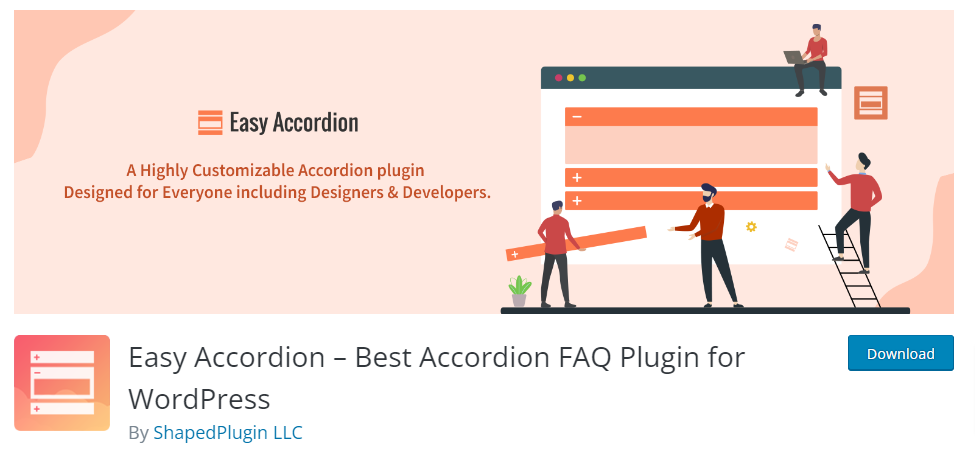
As you add more plugins to your WordPress setup, bear in mind that doing so may quickly bloat the site and reduce page speed. On the other hand, Easy Accordion is quick and lightweight. Even so, it still manages to provide a ton of awesome customization possibilities, with hundreds of different icon sets, colors, themes, and font variations to pick from. This FAQ plugin works well with WordPress themes that rely on widgets.
Features:
- Flexible & suitable for mobile
- Simple admin interface
- Drag-and-drop sorting of accordions
- It is quick and lightweight, and it won’t make your website bloated.
- Personalized color and style choices
3. Ultimate FAQ
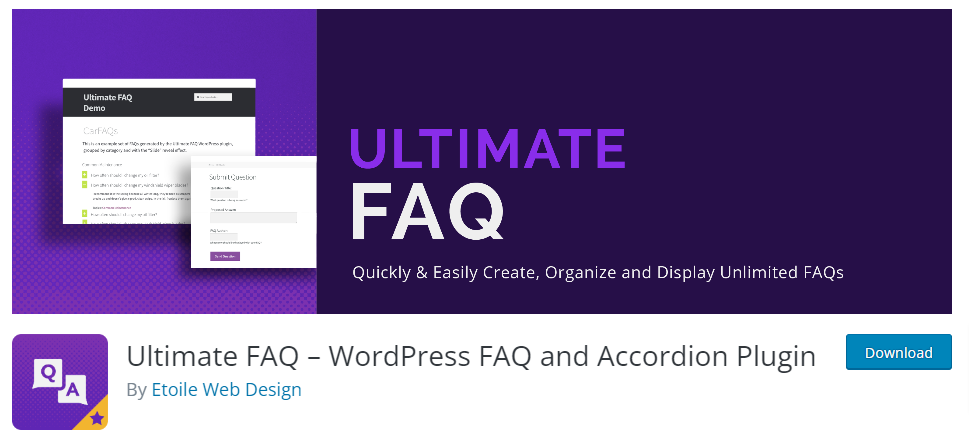
Along with lots of amazing graphic features like accordion and toggle, Ultimate FAQ supports tags and categories infinitely. Additionally, users can leave comments on specific FAQs, fostering a collaborative environment on your website. This plugin’s ability to integrate with the Gutenberg editor in addition to being built with shortcodes is one of its strongest features. Just add its blog to the page, that’s all.
Features:
- Make as many categories and FAQs as you like.
- Adaptable accordion design that works with any website on any platform.
- Bulk import of FAQs from a spreadsheet.
- Adapt CSS to your FAQ’s layout.
4. Arconix FAQ
The Arconix FAQ plugin allows the insertion of FAQ items through the generation of shortcodes. After that, a jQuery toggle and an accordion box are used to display the FAQs. There is a “return to top” link at the bottom, which is ideal for use cases involving a lot of items. The functionality is simple.
Features:
- Accordion or switch display when using the shortcode
- “Back to top link” is at the bottom of the page
- Able can be shown separately or in FAQ groups
5. Helpie FAQ
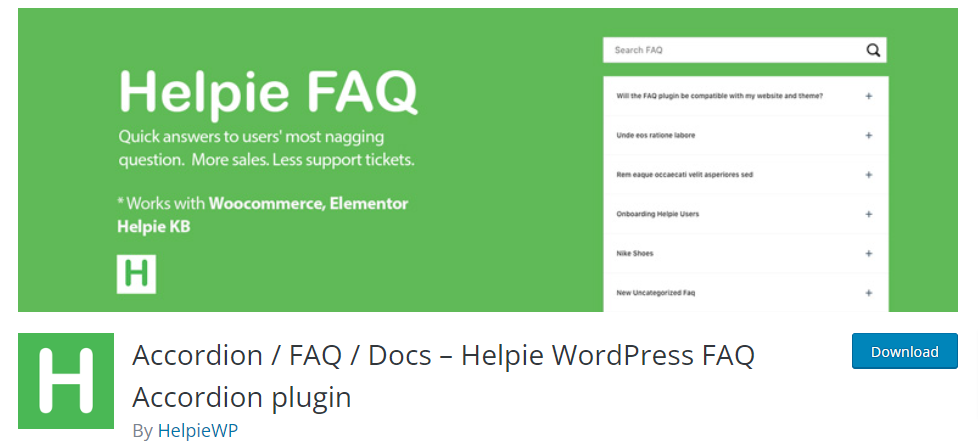
Helpie FAQ is a dynamic option if you need to make FAQ posts, categorize them, or tag them according to issue kind. You can customize how this plugin sorts and filters FAQs. The “recently added” and “recently updated” FAQ filter settings for this plugin ensure that your website visitors always see the most recent Fully responsive Accordion/Toggle support.
Features:
- Drag-and-drop FAQ sorting.
- Style options for light and dark themes.
- Show FAQs according to categories.
6. Knowledge Base for Documents and FAQs
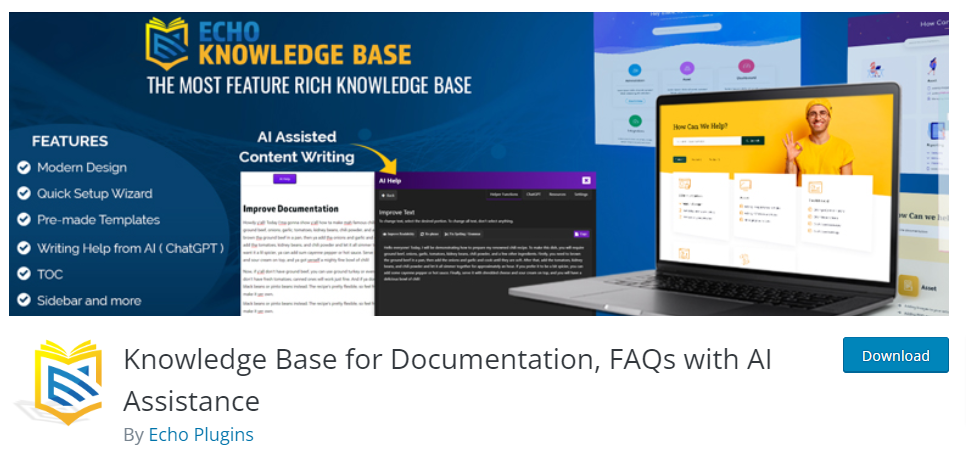
More than fifty WordPress site administrators testify for the Knowledge Base for Documents and FAQs plugin for WordPress because it is expert, user-friendly, and search engine optimized. With no additional coding, this plugin uses a tabbed style that looks clean and organic to your website to categorize FAQs by team, service, or product. With the setup wizard, you can modify this plugin in a matter of minutes. However, if you encounter any problems, you can contact their helpful support staff seven days a week.
Features:
- Configuration wizard.
- Sort support materials according to the team, service, or item.
- Customer service is offered every day of the week.
Top Premium Best FAQ WordPress Plugins
1. Heroic FAQ
Heroic FAQ is an excellent option if you want to get started right away because it has five different premade styles. With its visual editor, drag-and-drop interface, variety of icon styles, and CSS3 animations, you may then alter its look and feel. The fact that you can do all of this with a single screen is among its best features. Heroic FAQ also includes a full year of assistance if you encounter any difficulties.
Features:
- There are five preset styles available.
- The drag-and-drop user interface incorporates
- CSS3 animations
- A full year of support
2. Fancy FAQ
With the help of this plugin, you can add custom post types for FAQs to your WordPress dashboard and build a comprehensive FAQ section with categories that suit your needs.
Because this plugin is responsive, your FAQ section will look fantastic on devices with small screens as well because it will adjust to the screen size exactly. With the plugin’s shortcode, you can include the FAQs in any post or page.
Features:
- WordPress dashboard custom post forms.
- Flexible & suitable for mobile
- Any page can have FAQs added to it by using the plugin shortcode.
3. FAQPlus
With over 25 opportunities, FAQPlus is a wonderful option if you’re looking for animation effects. To make your FAQ section look more polished and up-to-date, it also gives you an infinite number of color choices and Font Awesome icons. Drag-and-drop is supported by FAQPlus for rearranging text, photos, and videos within the FAQ Items.
Features:
- There are 25 animation effects available.
- countless color combinations.
- Drag-and-drop user interface.
4. Accordion FAQ
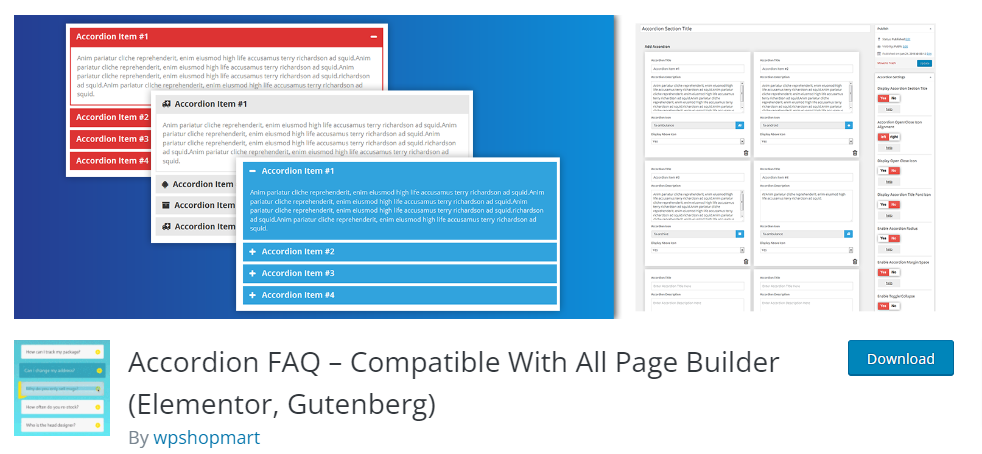
You can pick between accordion and list style display kinds and build many FAQ pages based on your needs with the Accordion FAQ plugin. As well as the custom template tool can greatly simplify the process if you plan to create a lot of FAQ sections. You also get continuous customer assistance for any faults you go into, initial setup problems, and other potential problems.
Features:
- Drag-and-drop user interface.
- Integrated picture gallery.
- Q&A section with a feature for approval.
- Ready for translation.
Also, Read More Relevant Blogs
- 7 Fastest WordPress Hosting in 2024
- How to Use SMTP Server to Send WordPress Emails
- A Comprehensive Guide to .htaccess File in WordPress
- How to Install a WordPress Child Theme
- How to Set Up a WordPress Website: A Step-by-Step Guide
- Understanding the Role of CSS in WordPress
- How to Use Google Analytics with WordPress
- How to Backup Your WordPress Site
- How to Secure Your WordPress Website from Hackers
- How to Perform On-Page SEO For WordPress Website
The Wrapping Up
Selecting an appropriate FAQ For your website to have an effective and user-friendly self-service support system, WordPress plugins are essential. It’s clear from looking over the top 10 choices that each plugin has special features and advantages to meet the needs of a variety of users. You can select the ideal fit for your site based on your unique needs and preferences.
There is an appropriate FAQ plugin available, no matter your preferences for responsiveness, customization options, or connection with other plugins. Besides, options such as Accordion FAQ, Heroic FAQ, and Ultimate FAQ are notable for their rich feature sets, which include extensive stylistic options, SEO optimization, and user-friendly interfaces.

