
Cart 0


Would you like to switch web hosts for your website? Alternatively, you could wish to build a staging version of your website so you can test out new plugins without having any impact on the live version. Although moving your website by hand is possible, it is a technical procedure that takes a long time and is prone to mistakes. To save you time and trouble, we’ll include some of the top WordPress plugins for cloning or duplicate a website in this post.
When Would You Need to Make a Site Duplication?
There are many situations in which you would wish to duplicate your webpage. It could be necessary for you to:
- Transfer your website to an alternative web server or host.
- Go to a new domain name for your website.
- Create a staging area to try out updates before deploying them.
- Please make a backup so you have it in case you need to restore your website.
- Create a client’s website locally on your server so they can see it before you make the final edits and publish it.
Although it takes effort, you may manually copy, duplicate, and relocate a WordPress website.
For this reason, every knowledgeable, experienced WordPress plugins developer and power user uses a cloning plugin to efficiently handle transfers and migrations.
The majority of managed WordPress hosting providers will come equipped with built-in tools for simple site backups, staging, and cloning.
For instance, Bluehost, Hostinger, SiteGround, WP Engine, DreamHost, and other leading WordPress hosting companies offer WordPress staging and cloning tools.
If you don’t use managed WordPress hosting, you may easily duplicate your website using a WordPress plugin from our list below.
1. Duplicator
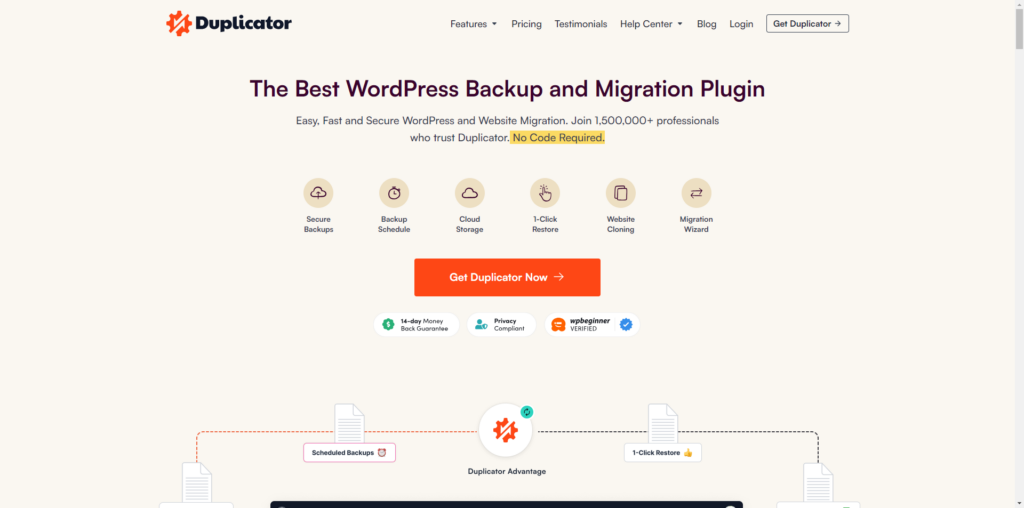
Our preferred WordPress cloning plugin is called Duplicator. Having received over 1.5 million downloads, it is trendy. It can be used for site backups, but it’s also an incredibly effective plugin for site cloning.
Moving a website between domains or hosting with no downtime is one of Duplicator’s greatest features. If you don’t want to lose out on any traffic or clients, this may be something you should think carefully about.
The way Duplicator operates is by compiling all of the content from your website into a single zip file “package.” Everything from your website—including WordPress files—is included in this package, including plugins, themes, content, and databases.
This implies that everything can be moved to a new location using the package. Since all of the WordPress files are included in the Duplicator package, there is no need for you to install WordPress.
Duplicator Pro has many uses, including multisite network migration and automated backup creation.
Price:
Duplicator Pro is available for usage on up to two websites and costs $49.50 per year.
The free edition of Duplicator is also a fantastic choice if money is tight. You cannot use complex features like scheduled backups or multisite network support, and it does have certain limitations.
2. WP Stagecoach
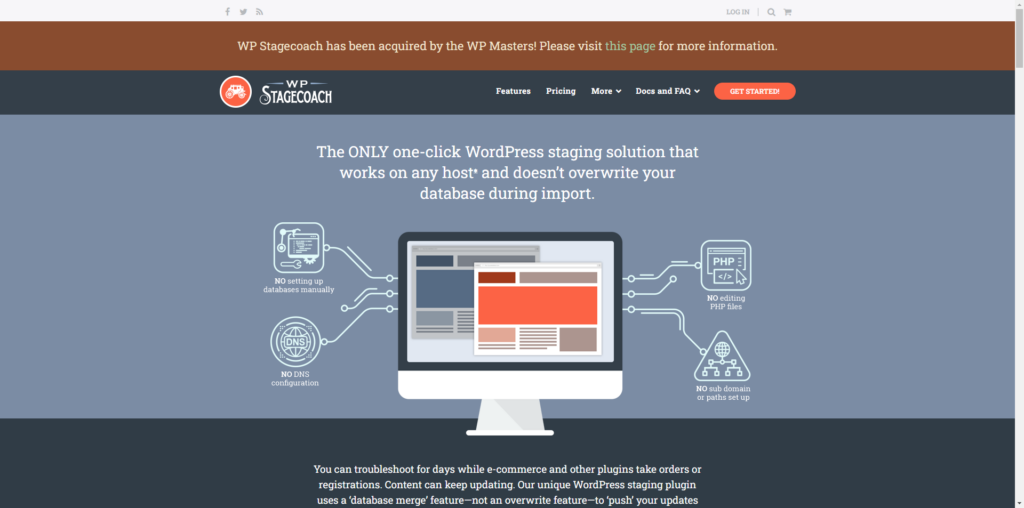
In particular, if your WordPress hosting provider does not provide this functionality, WP Stagecoach is an excellent plugin that enables you to put up a WordPress staging site. You can test out new WordPress plugins and code on a staging site, or it can be used to simply carry out updates that you don’t want to make live on your main website.
A temporary staging site can be made with the WP Stagecoach plugin. This allows you to test everything and, when you’re ready, push your modifications to your live site. Instead of overwriting the database, the plugin integrates the modifications you make to it. This implies that since you set up the staging environment, you won’t lose any of the activity that has occurred on your live site.
With its thorough testing, this plugin is fast and simple to use, and it should be compatible with almost any website. You won’t be required to use your own web hosting space because WP Stagecoach hosts your staging site on their servers as well.
However, multisite networks are not compatible with WordPress Stagecoach. You will need to use a different plugin if you wish to build up a staging version of your multisite configuration.
Price:
WP Stagecoach is $99 annually. In addition to a full money-back guarantee in case the plugin isn’t functional for you, there’s a 5-day free trial available.
3. UpdraftPlus Premium
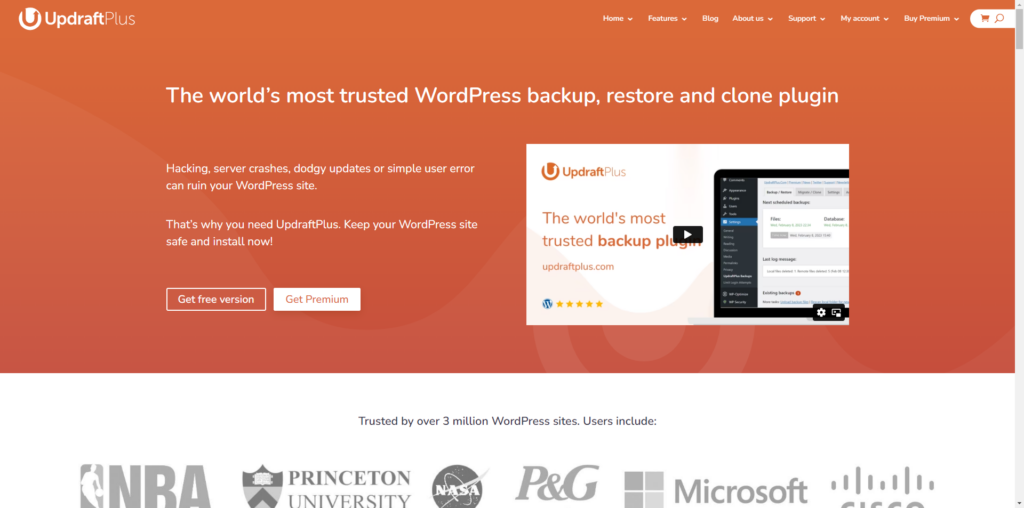
A fantastic plugin that makes website cloning and migration simple is UpdraftPlus Premium. You may be familiar with UpdraftPlus. We regularly suggest it because it’s an excellent WordPress backup plugin. Both UpdraftClone and the Migrator tool are part of the UpdraftPlus premium edition. All of their other add-ons are included for you.
Migrator allows you to make a copy of your website and transfer it to a different host or domain name. Installing WordPress and UpdraftPlus on both your old and new websites is the first step in the process. You can integrate a stand-alone WordPress website into a WordPress network with UpdraftPlus’ Migrator.
You can set up a temporary site using the UpdraftClone add-on so you can test out modifications. Because the test site is hosted on UpdraftPlus’s servers, setting it up only requires a few clicks. The disadvantage is that setting up and maintaining your staging locations will require token purchases. UpdraftPlus Premium gives you some of them for free, but you’ll probably want to purchase more.
If any modifications have been made to your live site since you cloned it, you’ll also need to exercise caution while merging the changes back.
Price:
The Migrator add-on is available for $49. You can use UpdraftClone for free with the UpdraftPlus free edition, but tokens are not free. For four of these, it cost $12. For a better value, you can subscribe every month or purchase more in bulk at once.
4. Migrate Guru
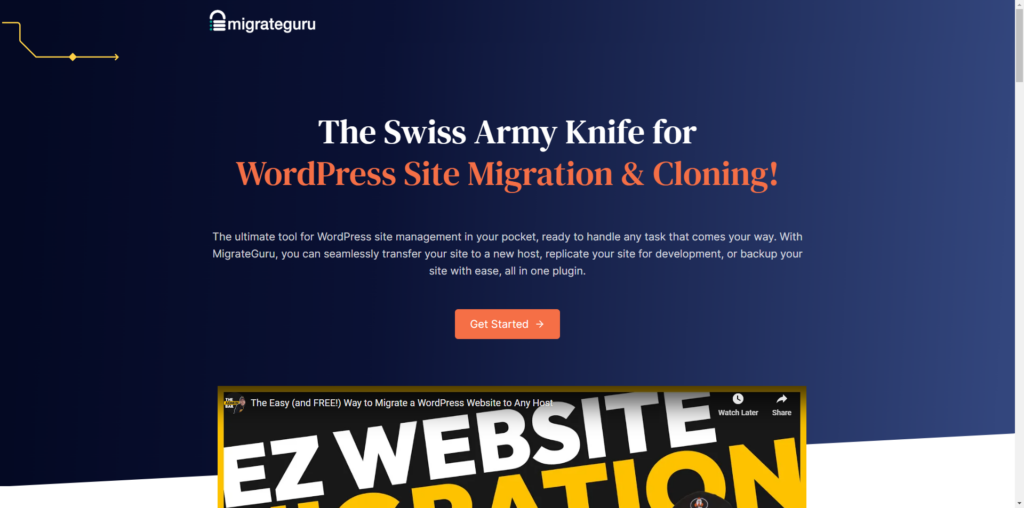
The free plugin Migrate Guru is compatible with nearly all well-known WordPress hosting companies. It is intended to assist you in transferring your website across hosts or servers. It utilizes BlogVault’s servers and is developed by the same team as the well-known BlogVault plugin. This facilitates a simple and speedy process. Migrate Guru will take down the duplicate of your website from the BlogVault servers after your migration is finished.
Migrate Guru is a good choice if your website is fairly huge, as it can relocate a 1 GB site in less than 30 minutes. Sites up to 200 GB in size can use it. You’ll receive email and real-time updates on the progress of your migration.
Price:
Guru Migration is free. The plugin does not have a paid version or any paid extensions.
5. All-in-One WP Migration
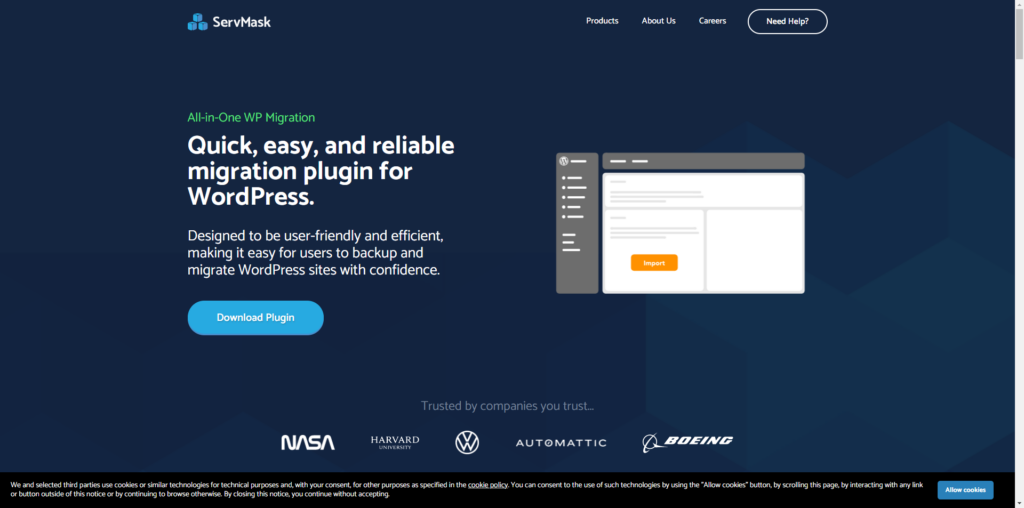
Another simple method for copying your website and moving it to a different server or domain name is to use ServMask’s All-in-One WP Migration plugin.
Because the plugin is dependent-free, it can be used with a wide range of hosting companies. By splitting up your data into manageable bits for import, it also gets around any file size restrictions that your web server might have.
However, there are a few restrictions with the plugin. The primary limitation is that only 512MB of data can be imported. If your WordPress website is fairly huge, this might not be sufficient.
Price:
The basic All-in-One WP Migration plugin is free. You can buy paid extensions to add more functionality. The Unlimited extension, which many website owners will want, costs $69 per year.
Read More Articles
- Top 10 Best FAQ WordPress Plugins to Establish a Self-Service Help
- 7 Fastest WordPress Hosting in 2024
- How to Use SMTP Server to Send WordPress Emails
- A Comprehensive Guide to .htaccess File in WordPress
- How to Install a WordPress Child Theme
- How to Set Up a WordPress Website: A Step-by-Step Guide
- Understanding the Role of CSS in WordPress
- How to Use Google Analytics with WordPress
- How to Backup Your WordPress Site
- How to Secure Your WordPress Website from Hackers
The Final Conclusion
To sum up, duplicating your WordPress website is a necessary task, and the effectiveness and simplicity of the procedure must depend on the plugin you select. The aforementioned plugins—All-in-One WP Migration, BlogVault, UpdraftPlus, WP Staging, and Duplicator—offer dependable solutions with a range of capabilities to meet the needs of varied user bases. These WordPress plugins offer choices for smooth site duplication, backup, and testing, guaranteeing the continuity and integrity of your WordPress website regardless of your level of knowledge.

