
Cart 0


Are you looking to find the best tools for checking plagiarism checker tools?
Websites having duplicate content are penalized by search engines like Google. Using plagiarism detection software to identify and remove duplicate content from your website can improve its search engine rating.
We’ve compared the top WordPress plagiarism detectors in this post so you can produce higher-quality content and provide users with an improved experience.
Why Is Using a Plagiarism Checker Tools on Your Blog Required?
Copying someone else’s words and passing them off as your own is called plagiarism. Plagiarism occurs when you use someone else’s words or photos on your WordPress website without giving them due credit.
However, why should a small firm like yours care?
Plagiarism not only impedes search engine optimization, but it is also theft. It may result in your website being completely removed from search engine indexes, diminished search engine rankings, and reputational harm.
Google has the authority to impose penalties through manual actions if it determines that you have infringed upon its copyright infringement policy.
Good content is made with your audience and brand identity in mind, not theirs.
In light of this, we’ve put together a list of the top WordPress plagiarism detectors that will assist you in identifying plagiarism checker tools and polishing your writing.
1. Grammarly
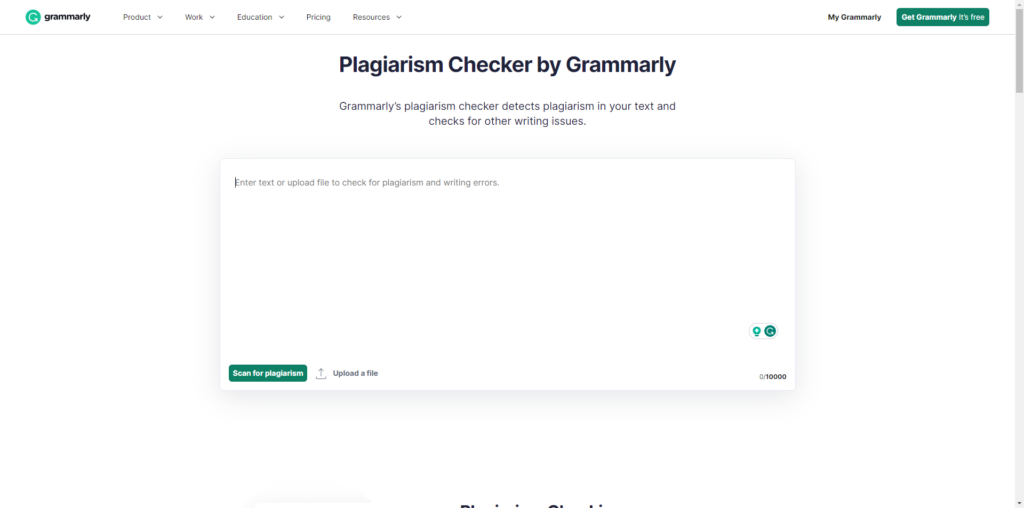
The most widely used online grammar tool and plagiarism checker tools detector is called Grammarly.
To detect plagiarism, the feature compares your text to 16 billion web articles, papers, essays, and other types of writing. In this manner, it will be able to provide you with the precise percentage and identify every situation where plagiarism is possibly present.
Grammarly’s greatest feature is that it can be used with email services, social media sites, WordPress, Slacks, and Discord because it has a Chrome extension. That guarantees you will always write online with flawless grammar, regardless of the platform.
Pros:
- provides a Chrome extension that lets you alter the code in Google Docs or WordPress.
- has an integrated AI text generator.
- aids in proofreading your writing and detecting plagiarism.
- incredibly simple to use.
Cons:
- There are extremely few features in the free edition.
- Sometimes the addon will not delete marked errors even after they have been corrected.
- The Grammarly cloud-based editor must be used instead of the plagiarism tool, which is not compatible with the plugin.
2. Copyleaks
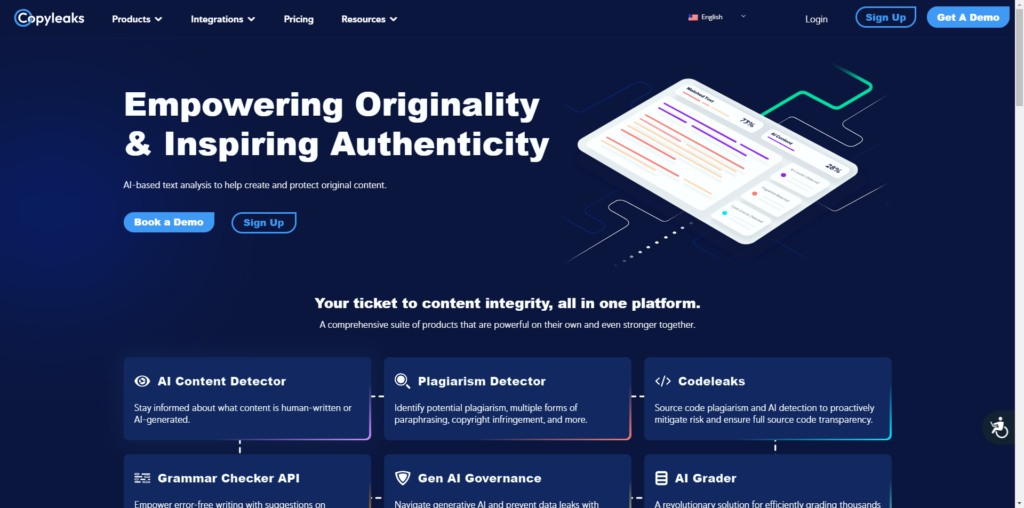
With the use of Copyleaks, an AI and plagiarism detector, you can be sure that your material is authored by humans and is likely to be indexed by Google.
This software detects text written by AI and plagiarized using sophisticated techniques for content identification.
The procedure is easy to follow. Simply paste the content you need to have checked, and in a matter of seconds, you will receive a probability score that indicates the likelihood of AI usage and plagiarism.
Copyleaks provides a browser plugin that lets you search internet pages for information created by artificial intelligence (AI) to streamline the features. One of the few programs that can truly check for plagiarism via a browser extension is this one, which can spare you from constantly copying and pasting.
Pros:
- supports several file formats, including PDFs
- It is quite convenient when you use a browser extension.
Cons:
- Accuracy might vary.
3. SEMrush SEO Writing Assistant
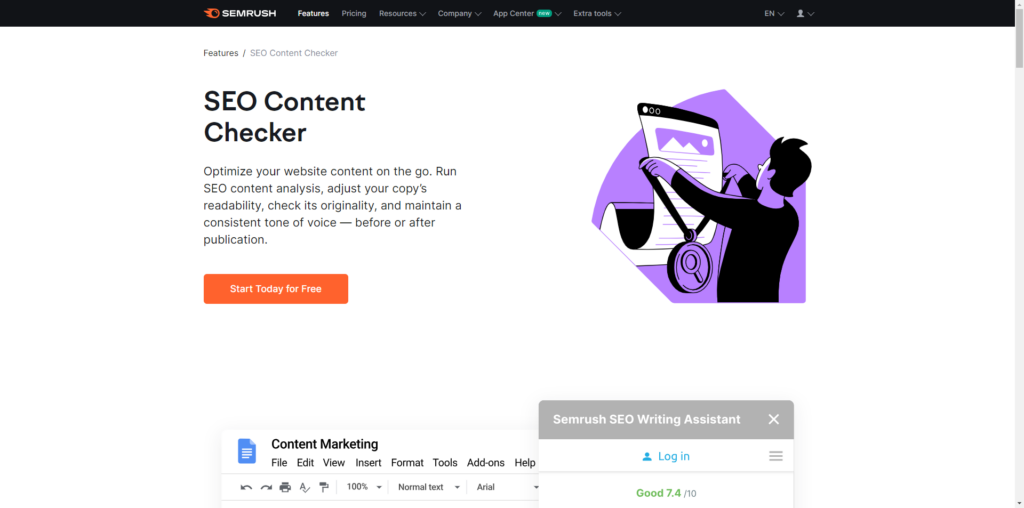
You may produce and optimize SEO content with the aid of SEMrush SEO Writing Assistant. They do, however, also provide an integrated plagiarism checker tools detector.
You can get suggestions for readability, originality, SEO, and tone of voice whenever you input, import, or paste your content into the editor.
This tool will indicate to you the portion of the text that is deemed original as well as the origins of any text that is replicated.
To help you with your phrasing and prevent plagiarism, they even feature a paraphrase tool. Alternatively, you can use their AI power to come up with fresh language. You can use this to clarify, elucidate, or expand on any part of the text.
Pros:
- Google Docs, Microsoft Word, and WordPress plugins are available from SEO Writing Assistant.
- Using the tools, you can reword material that has been copied inside the content editor.
- Easily checks for plagiarism in the same location where you modify your work and provides a variety of templates for various kinds of content.
Cons:
- lacks editors to update the content and a feature for sharing content.
4. Copyscape
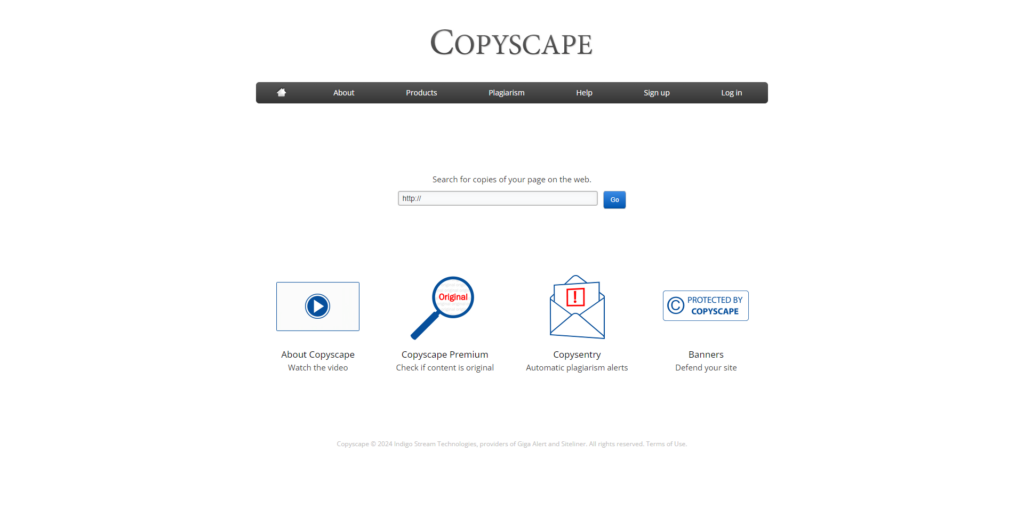
Copyscape is a cloud-based program for detecting plagiarism checker tools that assist you in searching for possible instances of content theft. You have three options: upload a file, copy the content’s text, or type the URL directly from a website.
For all freelancers or professional writers who take plagiarism seriously, this is a great tool.
The tools examine the text in comparison to a vast database of previously published material. It searches for similarities, precise matches, and paraphrased content. After that, each text segment’s similarity score is determined by the software. A higher similarity score indicates a greater likelihood of plagiarism.
Pros:
- provides a bath search feature
- integrated with additional programs, such as Jasper, allowing you to verify that the text you’ve generated is original.
- Adaptable price schemes.
- Supported in numerous languages.
- able to connect to WordPress with ease using API.
Cons:
- Reports cannot be saved.
- Customer service is slow.
- Insufficient device compatibility.
5. Originality.AI
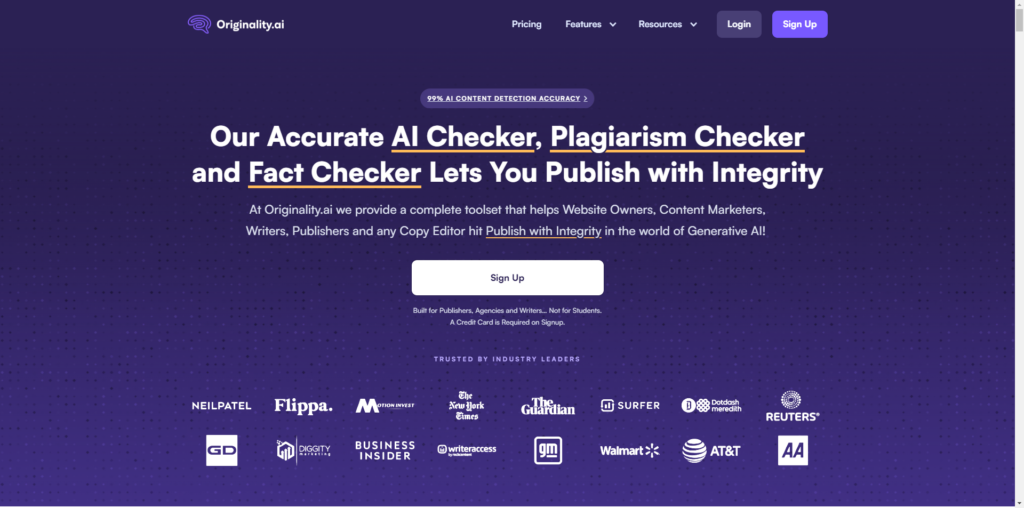
For authors and website owners, Originality.ai is a plagiarism checker tools and AI content checker. As well as this software makes it simple to determine whether your writing is original by comparing it to publicly accessible web information and using an AI detector.
You should make sure that authors you pay to generate blog posts aren’t creating content that is artificial intelligence spammy.
Nevertheless, unless it states 100% AI, you shouldn’t fully trust AI detection technologies. If you want to make sure that someone didn’t just copy and paste ChatGPT into the article, these AI checkers are fantastic.
Pros:
- Reasonably priced to use, and for $20 credits, it can identify 200,000 words of AI material.
- Text highlights and links to the sources make it simple to spot suspected plagiarized content.
- Shareable reports that you may email to colleagues include a readability checker that indicates whether or not your piece is difficult to read.
- Chrome addon for convenient access.
Cons:
- Possibly unfounded positive results for AI detection.
- Not available for free.
Read More Relevant Articles
- 5 Best WordPress Plugins to Duplicate Site
- Top 10 Best FAQ WordPress Plugins to Establish a Self-Service Help
- 7 Fastest WordPress Hosting in 2024
- How to Use SMTP Server to Send WordPress Emails
- A Comprehensive Guide to .htaccess File in WordPress
- How to Install a WordPress Child Theme
- How to Set Up a WordPress Website: A Step-by-Step Guide
- Understanding the Role of CSS in WordPress
- How to Use Google Analytics with WordPress
- How to Backup Your WordPress Site
The Sum Up
In conclusion, any website or newspaper must guarantee the originality and validity of its material. By using trustworthy plagiarism detection software, one can increase their reliability and dependability with readers and audiences in addition to upholding integrity.
You may protect against inadvertent plagiarism, maintain moral standards, and improve the caliber of your writing by integrating one of the best plagiarism checkers tools listed above into the operations of your website. Whether you run a website, are an instructor, are a student, or are a writer, these tools are incredibly helpful for creating a culture of excellence and innovation in content creation.

